For AI, chat and voice

Conversations that stay on track.

We structure prompts, responses, recovery paths and handoffs for AI, chat, voice and conversational experiences.

assistant · voice and chat● Live
Can I move my call to Friday?
0:03transcript · Sure. Morning or afternoon?
Whenever works.
0:05transcript · I have 10:00 or 15:00. Which suits you?
Talk to a person instead
recovery rules→Unclear answer: ask 1 short question→Fails twice: offer a person

The work

The moments we design

The parts of a conversation we plan, so it works when people go off script.

Book a call

The problem

Sounds familiar?

If 2 or more of these ring true, the conversation needs structure, not just a model.

{{ countLabel }}

{{ ctaText }}Book a call

Selected work

Selected conversational work

Screens on Dribbble and BehanceClient work

# Replicate Labs / AI video call
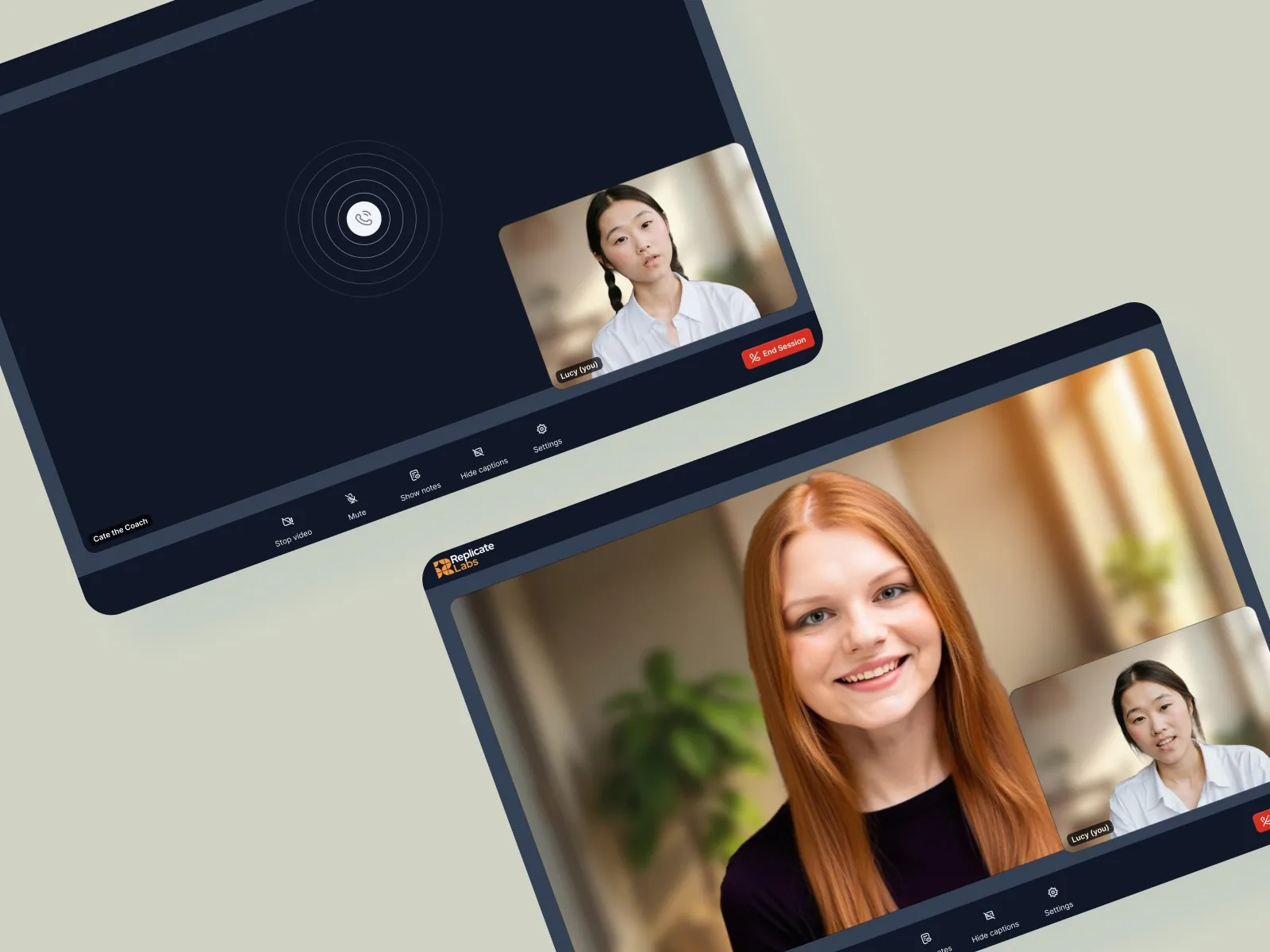
Video call with the AI sales coach on desktop and tablet

ScreensVoice

A video call with an AI coach

A live call with the AI sales coach, with clear states for calling, talking and ending the call.

View on Dribbble

# Teacherspace / AI chat

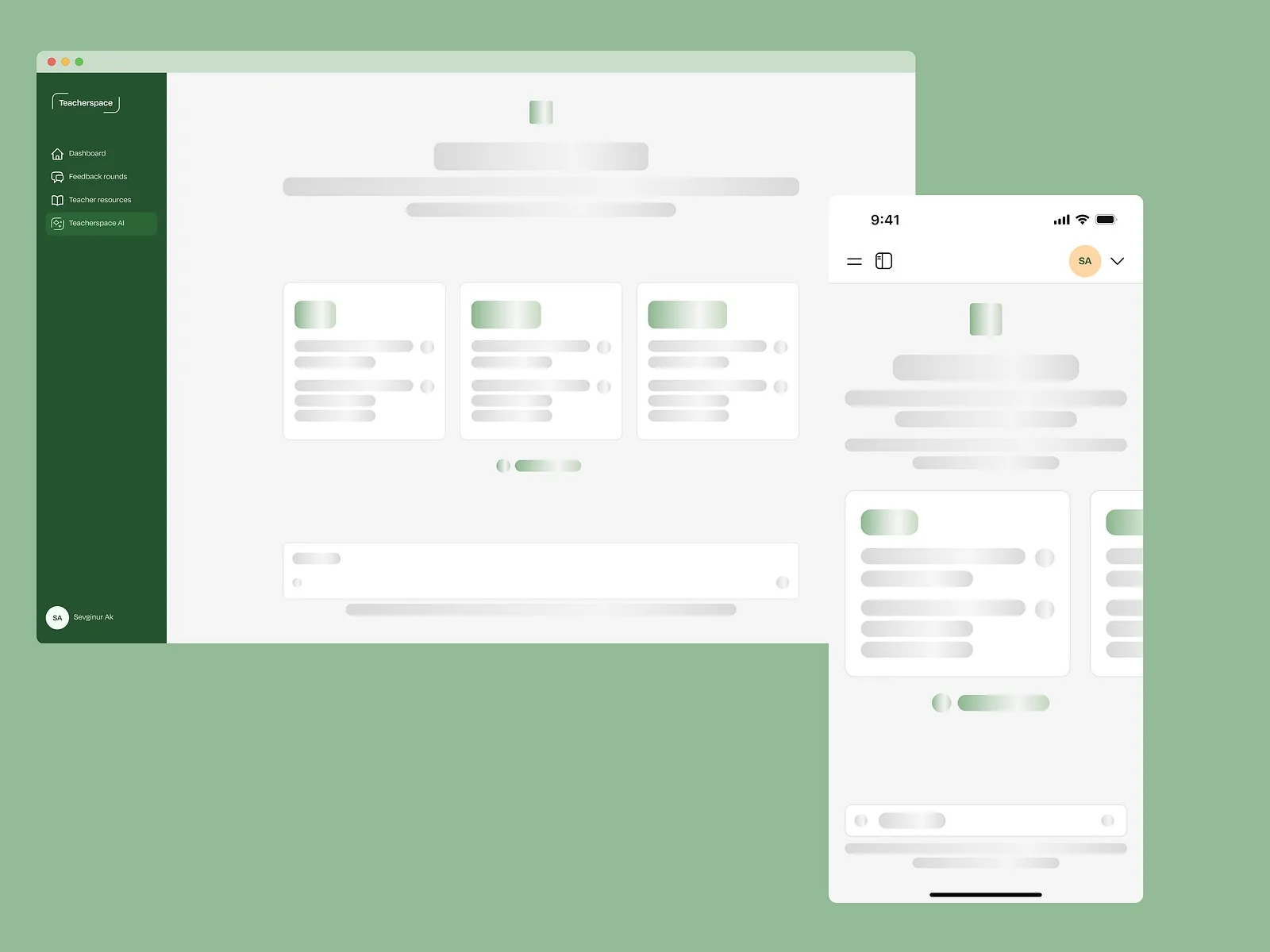
Teacherspace AI chat showing skeleton loading while it prepares a response, on desktop and mobile

ScreensChat

A chat that shows it’s working

Loading states for Teacherspace AI, so teachers know a response is on its way.

View on Dribbble

# EdSpace / SafeGPT

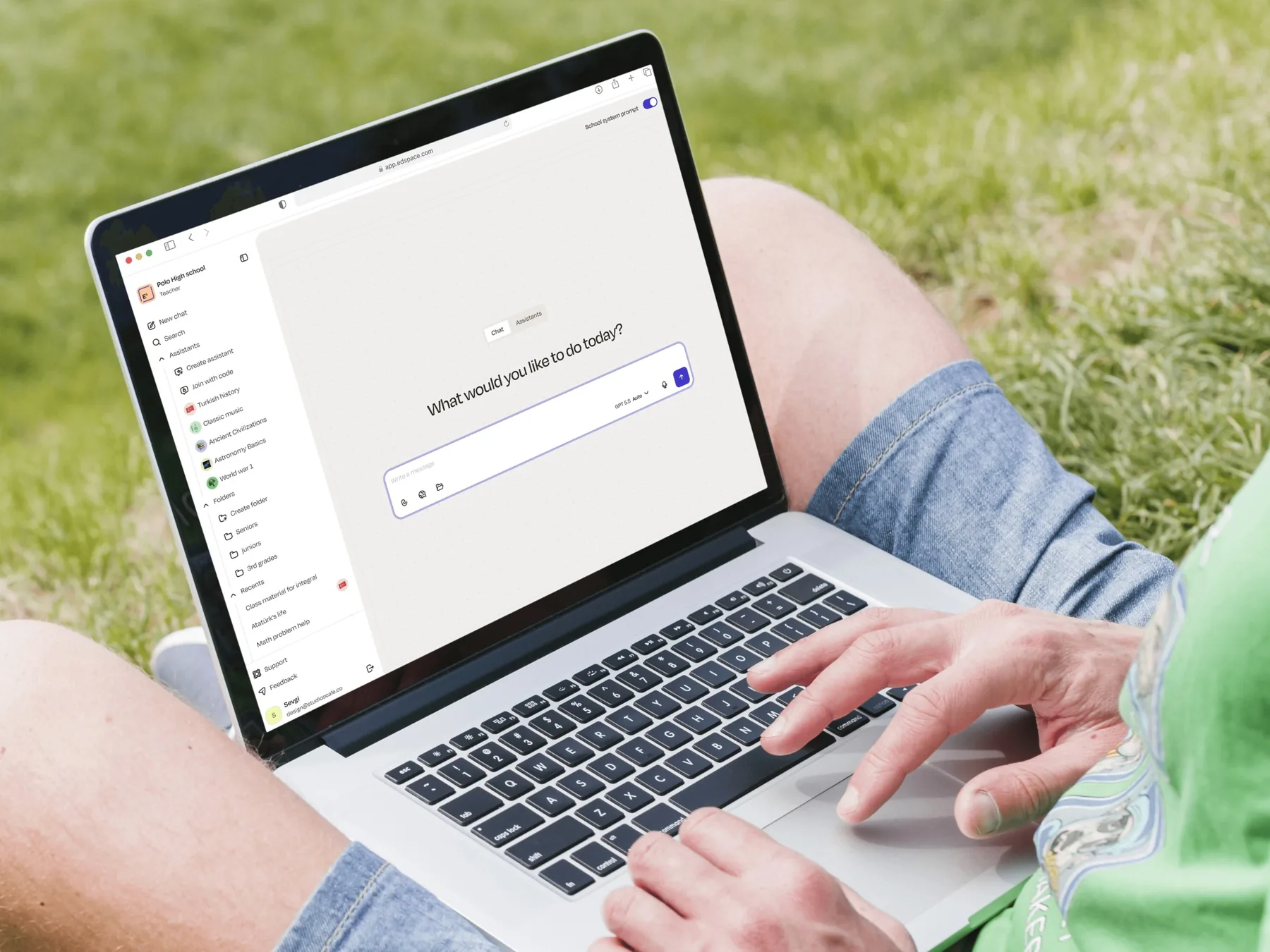
EdSpace SafeGPT on a laptop: What would you like to do today?

ClientAI chat

A safer way to chat with AI

We designed EdSpace’s SafeGPT platform to give students, teachers and school administrators a clearer, safer way to use AI.

See all clients

# Influencer Marketing AI / AI search

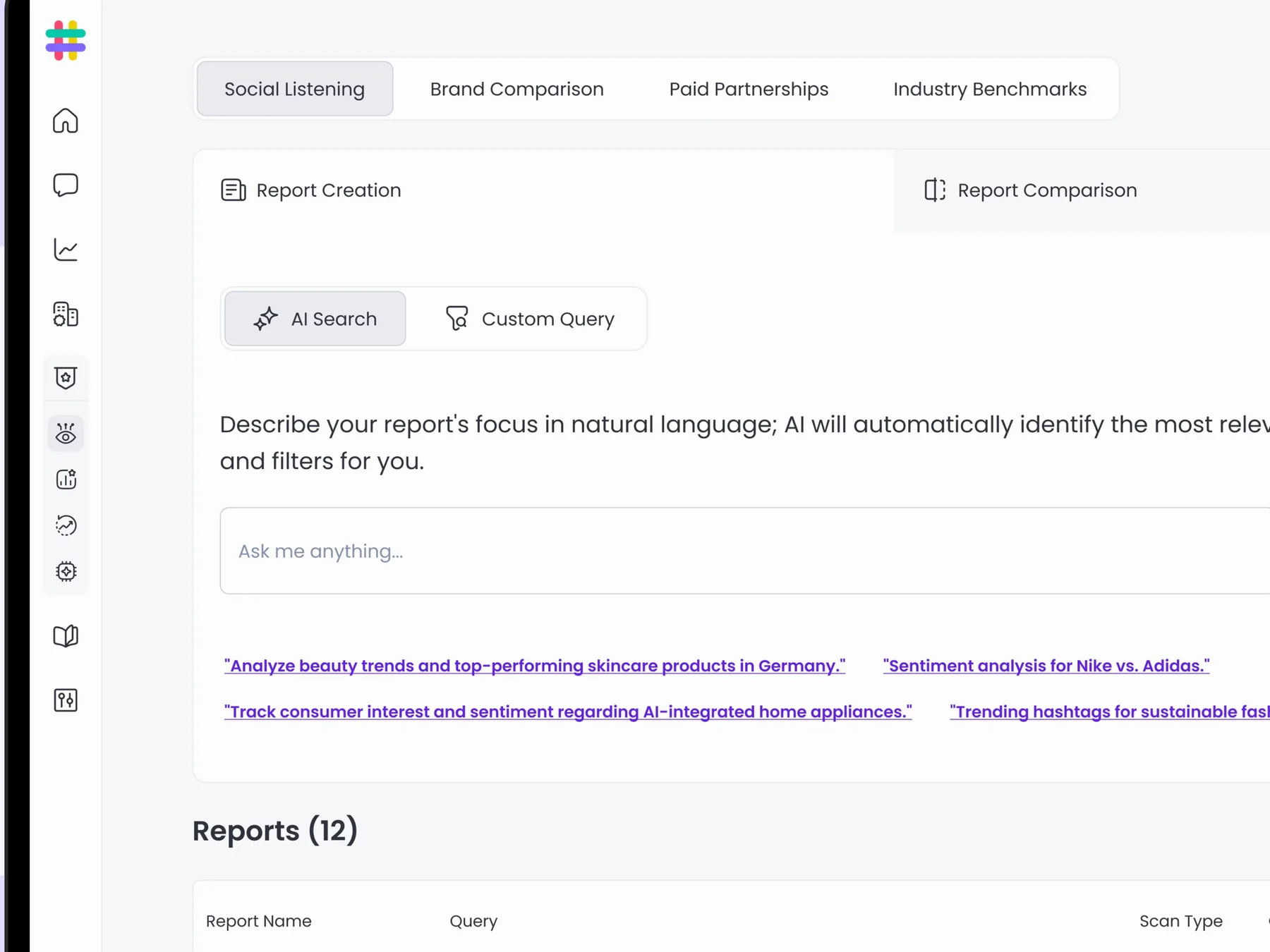
AI search: describe your report in natural language, with example prompts below the input

ScreensPrompt UX

Ask in plain words, get a report

An AI search where people describe the report they need in natural language, with example prompts to get them started.

View on Behance

Proof

“The project was ambitious, and we were absolutely blown away by the results.”

James Pursey · Founder & CEO, Replicate Labs
Upwork Job Success
100%
Regular clients
10+
Recognized by
Dribbble Select

Ways to start

2 ways to start

Design a new assistant, or fix the one you have.

  • # New assistant

    Design the conversation

    Prompts, responses and recovery paths, planned before the build.

    • Conversation flows
    • Prompts and starters
    • Recovery and handoff paths
    • Screens for chat or voice
  • # Live assistant

    Fix where it breaks

    Review real conversations, then redesign the moments that go wrong.

    • Review of real conversations
    • Failure points by impact
    • Redesigned flows and copy
    • Handoff in Figma

FAQ

Questions founders ask

Book a call

See all questions

01Do you write the prompts?

We design the conversation: starters, response structure, clarifying questions and recovery. Your team tunes the model behind it.

02How long does a project take?

It depends on the scope. Once we’ve seen the full picture, we’ll share a rough timeline.

03Do you design voice experiences too?

Yes. We design voice and video call flows, as well as chat inside the product.

04What happens when the AI is wrong?

We plan for it: clear limits, clarifying questions, ways to correct it and a path to a person.

05Can you test the conversation?

Yes. We can test scripts and prototypes with users before the full build.
Related capabilities

Explore all capabilities

AI UX and activation

AI features people understand, trust and come back to.

UX writing and content design

Words in the interface that say exactly what happens next.

Complex and edge-case flows

Permissions, errors and interrupted tasks, planned early.

Usability testing

Real people, real tasks, and the changes that follow.

Show us the conversation that goes off track.

A rough idea is a fine place to start. We’ll get back to you within 24 hours.

Book a call