From first prompt to daily use

AI features users know how to use.

Most AI products struggle with adoption not because the technology is weak, but because the user experience creates confusion, hesitation and friction.

Example
feedback inbox · this week24 new
Summarize the 24 new comments?Summarize
Pricing
Onboarding
Pricing
Integrations
summary · 3 themes
Pricing9
Onboarding7
Integrations5
Add to report
weekly AI usersafter moving AI into the inbox

The work

The moments we design

Every audit focuses on the moments that influence understanding, trust and activation.

Book a call

The problem

Sounds familiar?

If 2 or more of these ring true, the model isn’t the problem. The experience around it is.

{{ countLabel }}

{{ ctaText }}Book a call

Selected work

Selected AI work

Client case studiesScreens on Dribbble and Behance

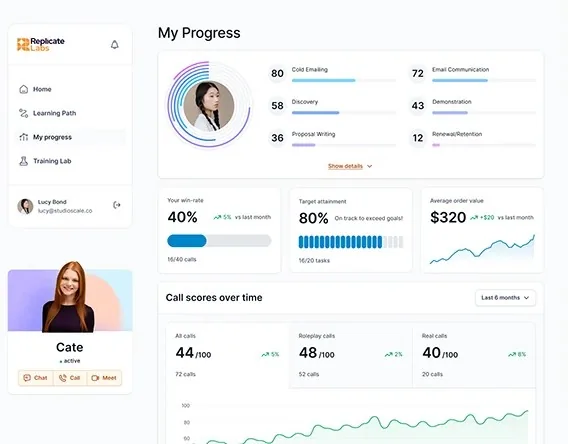
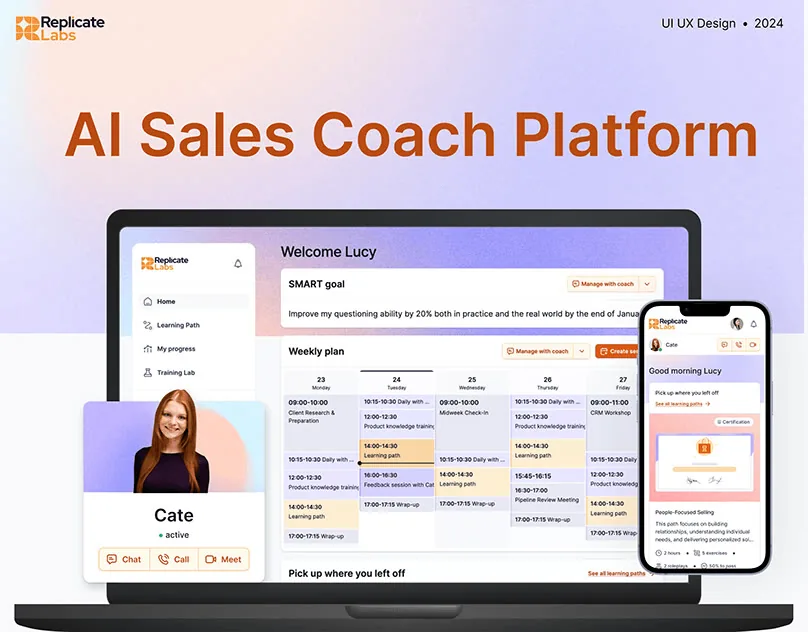
# Replicate Labs / B2B SaaS

Replicate Labs AI Sales Coach platform on laptop and phone

Case studyRedesign

An AI sales coach, designed around coaching

After a pivot to AI coaching, we redesigned the full journey around coaching principles, created UX patterns for AI coaching interactions and built a modular design system.

Read the case study

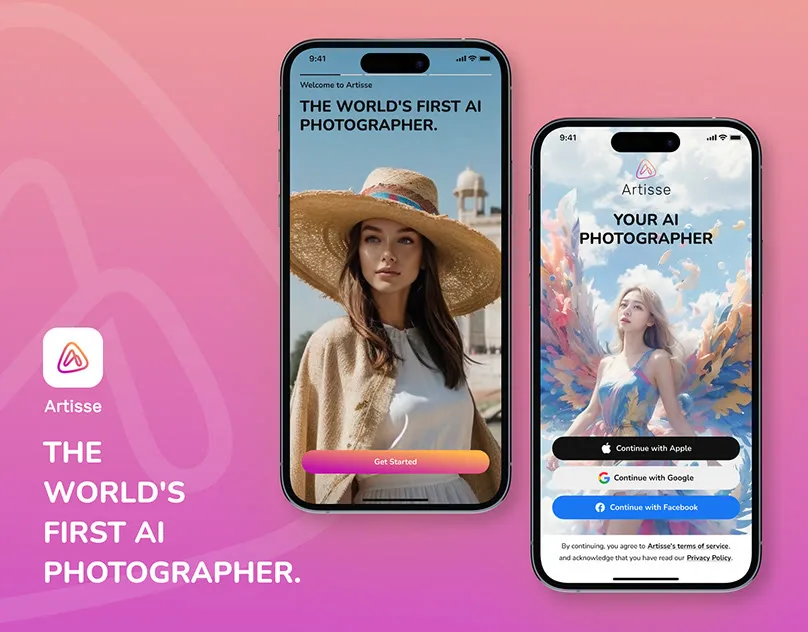
# Artisse / iOS

Artisse AI photography app

Case studyRedesign

AI photography, made approachable

A technical image tool turned creative, with a “Craft Your Prompt” visual assistant that helps people know what to ask for.

Read the case study

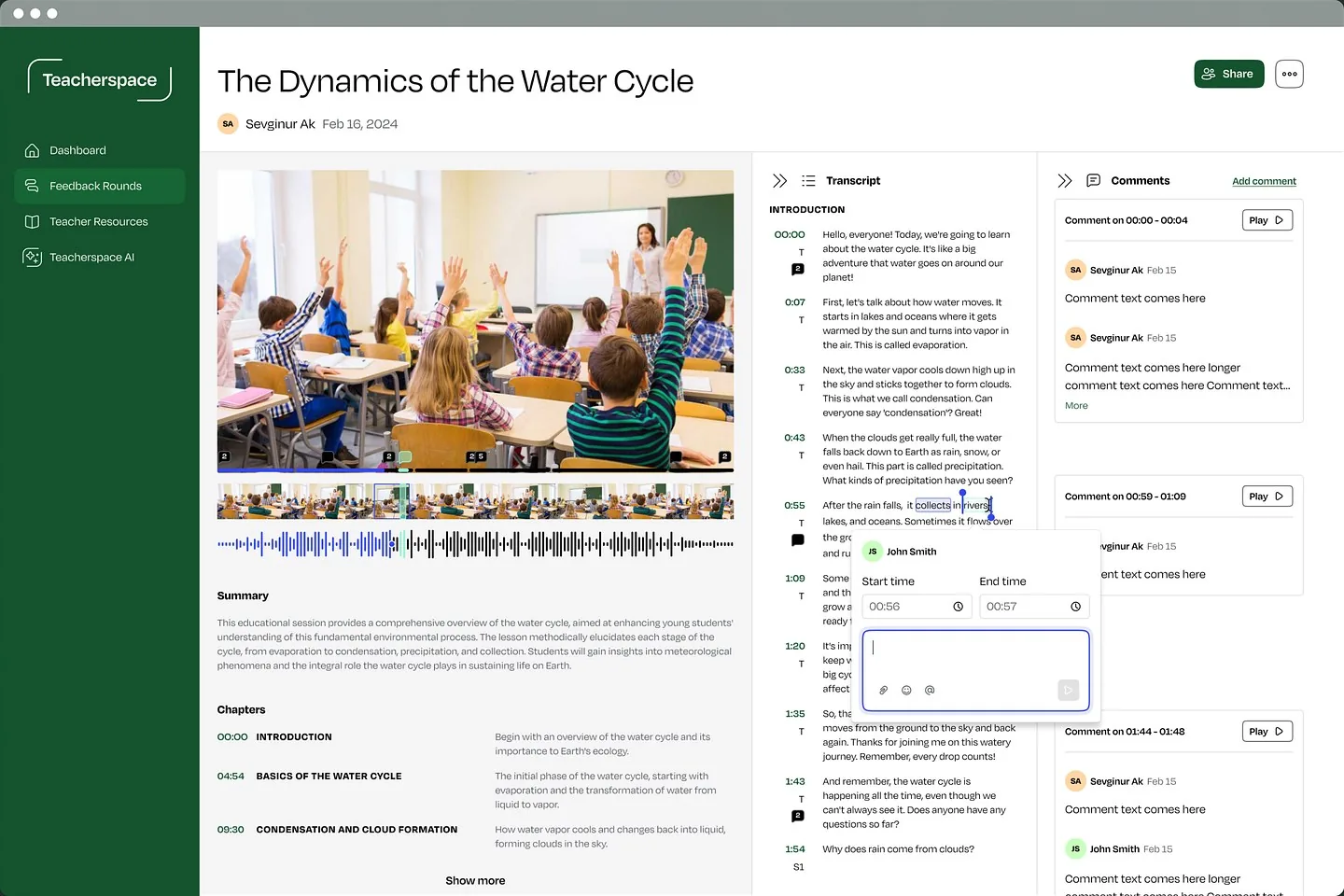
# Teacherspace / AI education

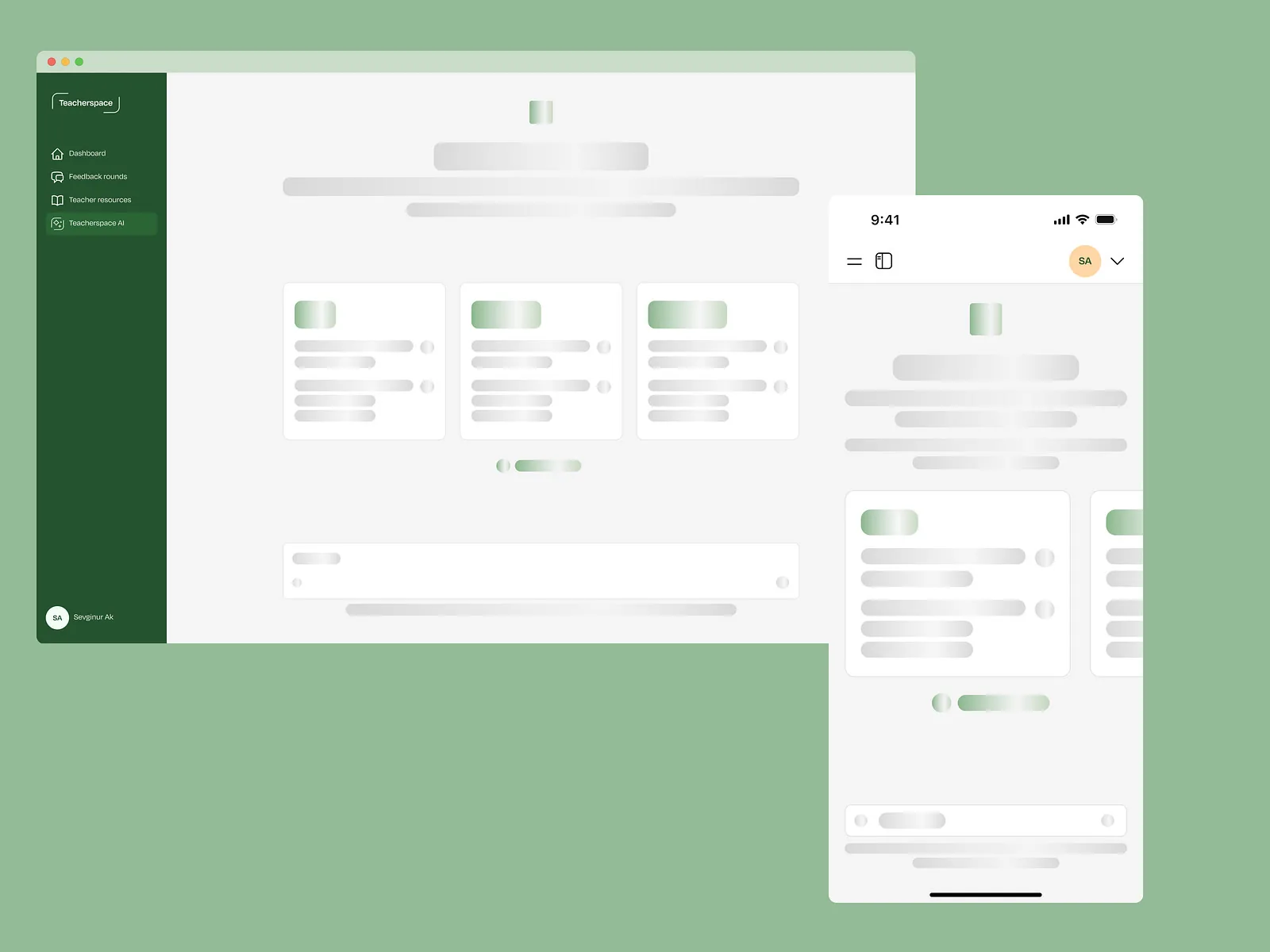
Teacherspace AI chat loading skeleton

ScreensLoading

Waiting that doesn’t feel like waiting

Skeleton screens that show the shape of the answer while the AI is still working.

View on Dribbble

# Influencer Marketing AI / Report

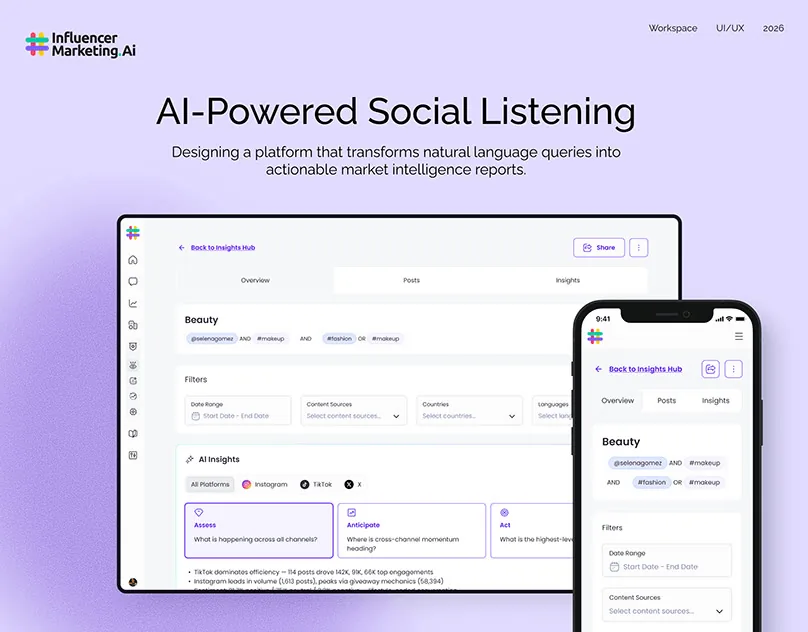
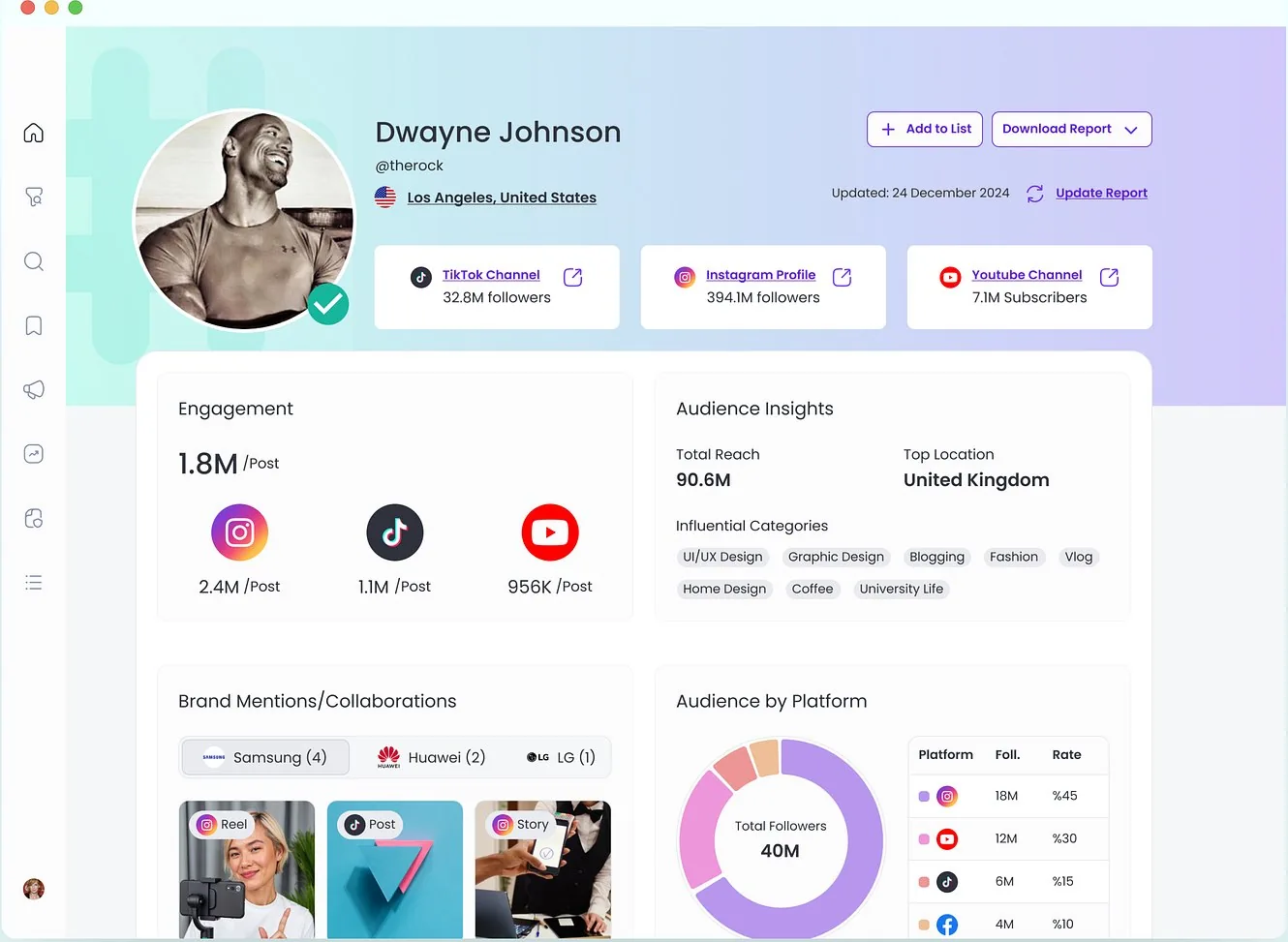
AI-powered social listening report

ScreensWeb app

Ask a question, get a report

Natural-language queries that return structured market intelligence reports.

View on Behance

Proof

“We have worked with a number of design and UX experts over the past year and nobody compares to working with Studio Scale.”

James Pursey · Founder & CEO, Replicate Labs
AI projects
6+
Upwork Job Success
100%
Regular clients
10+
Recognized by
Dribbble Select

Pricing

2 ways to start.

Start with an audit, or go straight from findings to redesigned flows.

  • # Start here

    AI UX Audit

    A comprehensive review designed to uncover why users are not activating, trusting or fully adopting AI features.

    $20005 days

    • Day 1: Flow review and product walkthrough
    • Day 2: Friction mapping across key journeys
    • Day 3: Prioritized findings and quick wins
    • Day 4: Wireframe suggestions for critical moments
    • Day 5: Final audit delivery and action plan
  • # Includes the audit

    AI Activation Sprint

    Turn audit insights into redesigned experiences that improve clarity, trust and activation.

    $48003 weeks

    • Everything in AI UX Audit
    • Redesigned key flow
    • Wireframes & high-fidelity UI design
    • Clickable prototype
    • Developer handoff

FAQ

Questions founders ask

Book a call

See all questions

01Who is this for?

AI SaaS teams that want to improve clarity, trust, activation, and adoption around AI features.

02Is this only for fully AI native products?

No. It also works for SaaS products that recently added AI copilots, assistants, summaries, recommendations, or workflow automation.

03What do we receive?

A focused audit with prioritized UX issues, quick wins, and wireframe suggestions for the most critical moments.

04How long does it take?

The AI UX Audit runs over 5 days. If you want to move from findings to implementation-ready design, the AI Activation Sprint takes 2 additional weeks after the audit.

05Do you redesign the whole product?

No. The sprint is focused on the UX gaps that affect understanding, trust, activation, and the next step after the AI output.
Related capabilities

Explore all capabilities

UX writing and content design

Words in the interface that say exactly what happens next.

Complete states

Empty, loading, error and success states, designed before they ship.

UX and UI design

Content, features and navigation organized around how users think.

Dashboard and data visualization design

Dashboards, tables and charts that show what matters first.

Show us the AI feature people don’t use.

A rough idea is a fine place to start. We’ll get back to you within 24 hours.

Book a call