For Arabic, Hebrew and multilingual audiences

Interfaces that read right to left.

We design products for Arabic, Hebrew and multilingual audiences, with mirrored layouts, bidirectional content and components that hold up when the copy gets longer or shorter.

LTR · EnglishRTL · Arabic
Settings
Search
Step 2 of 4Step 3 of 4
LanguageEnglish
Notifications
Account
Help
Save
الإعدادات
بحث
الخطوة ٢ من ٤الخطوة ٣ من ٤
اللغةالعربية
الإشعارات
الحساب
المساعدة
حفظ

The work

The moments we design

The details that make a product feel native in every language, not just translated.

Book a call

The problem

Sounds familiar?

If 2 or more of these ring true, the product is translated, not localized.

{{ countLabel }}

{{ ctaText }}Book a call

Selected work

Selected multilingual work

Apps we design and run ourselves

# Ritmik / English and Arabic

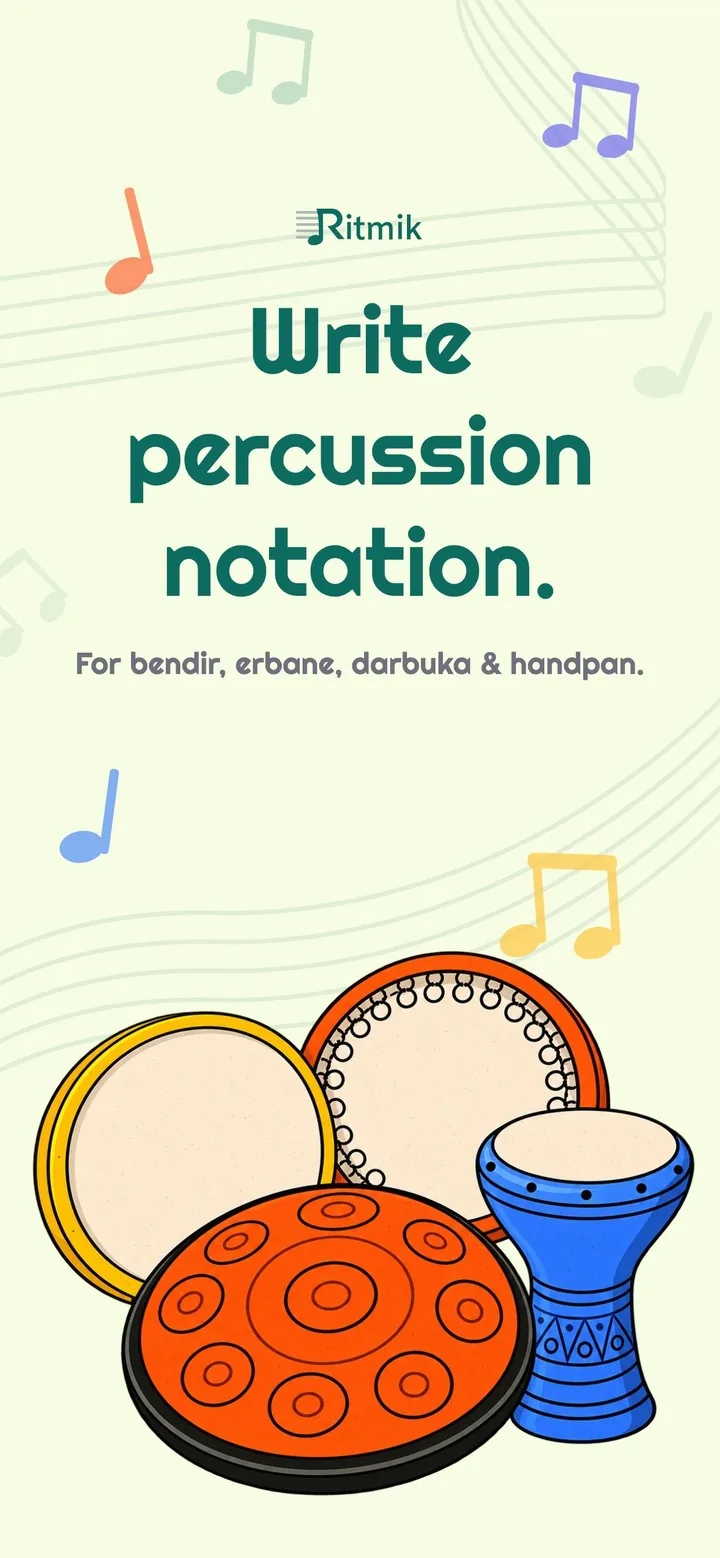
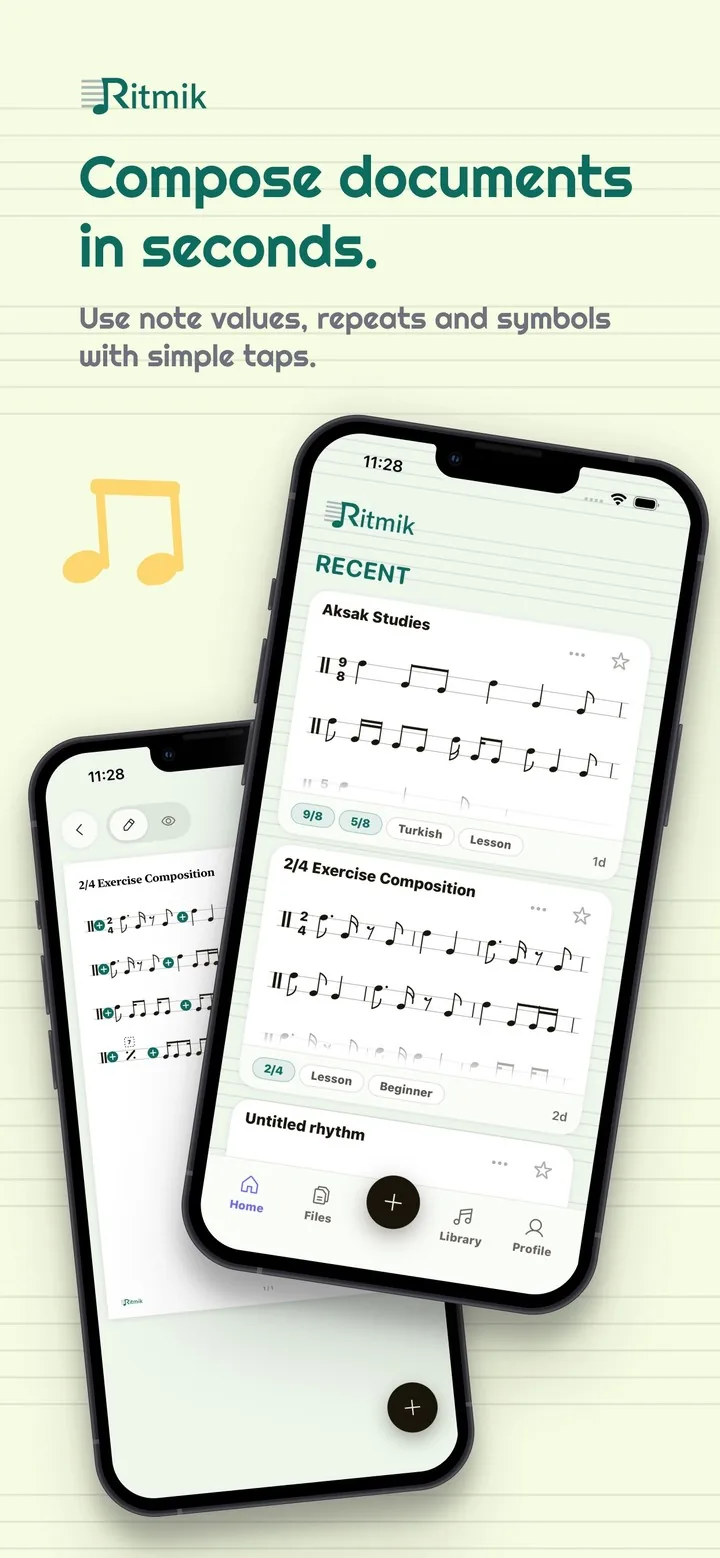
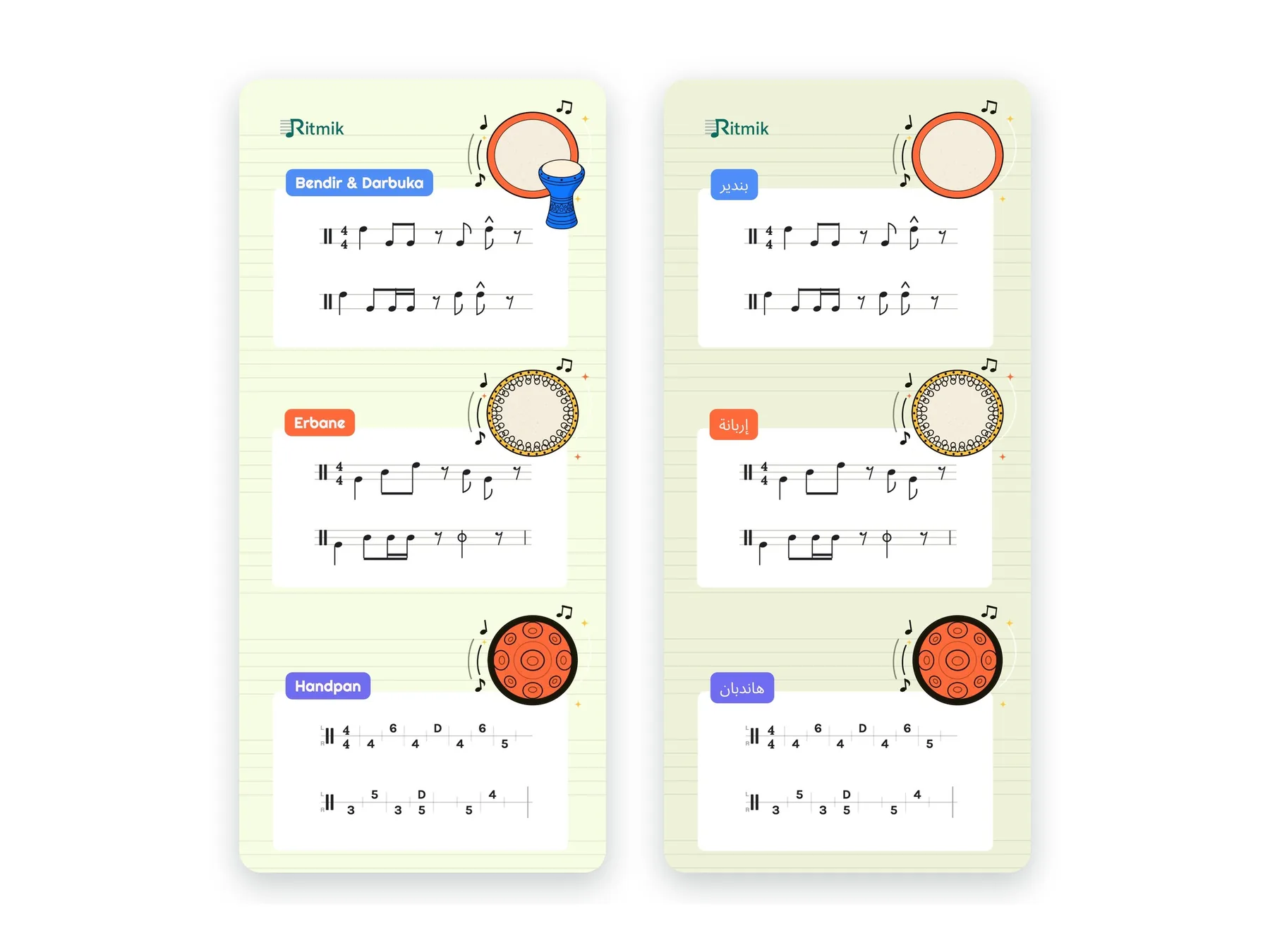
Ritmik instruments screen in English next to the same screen in Arabic, with labels on the right

Our app19 languages

One app, mirrored for Arabic

Ritmik in English and Arabic, with translated labels and the layout mirrored for right-to-left reading. The app is available in 19 languages, including Arabic and Persian.

See the app

# Namaz Takip / iOS

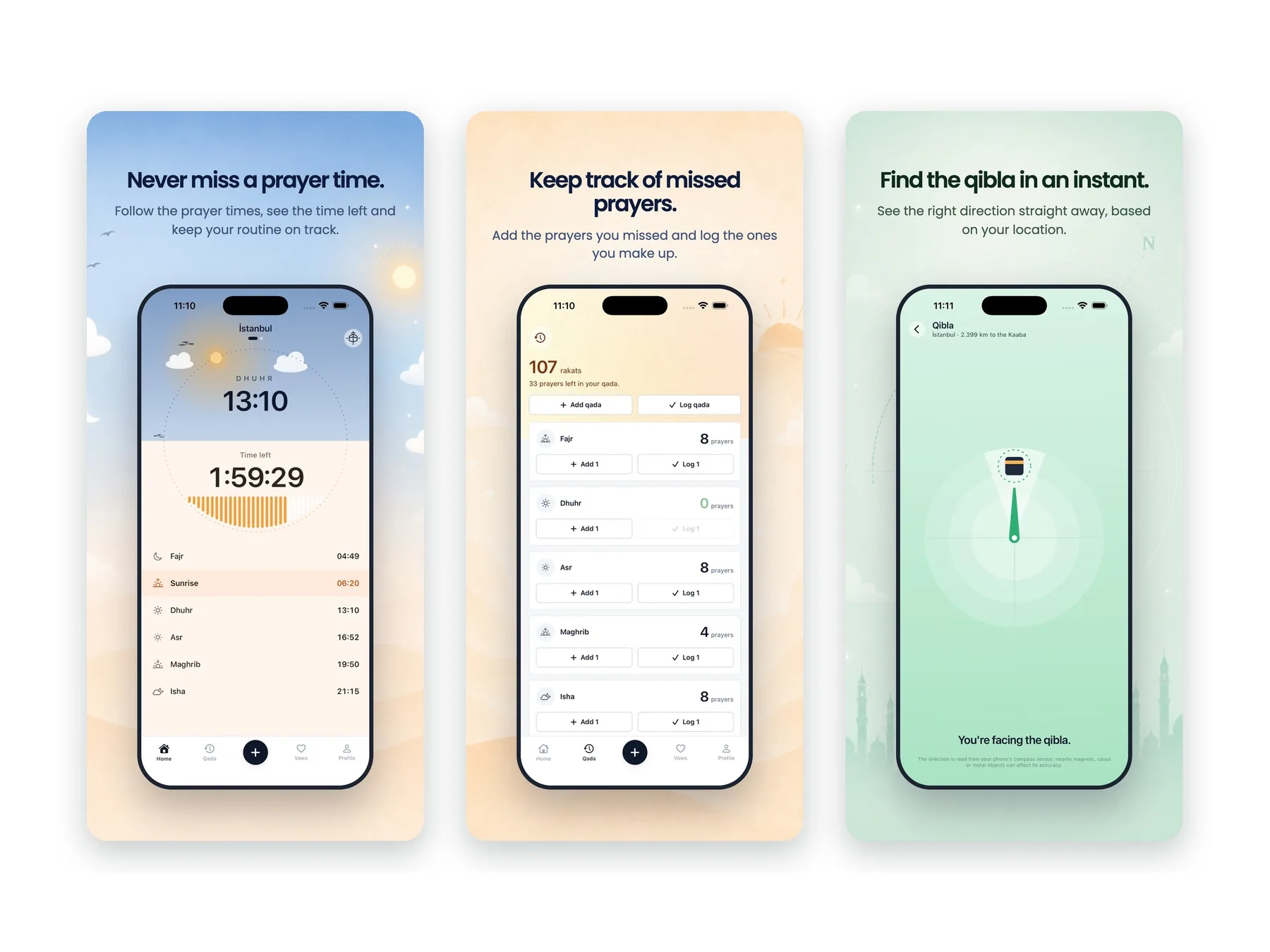
Namaz Takip prayer times, missed prayers and qibla screens

Our app9 languages

Prayer times in 9 languages

We designed a mobile app that helps users track daily prayers, build consistency and follow their progress over time. It’s available in 9 languages, including Arabic.

See the app

Proof

“Sevgi and her team have been our go-to partner for design and UX.”

Jesper Bergmann · Founder & CEO, Teacherspace
Upwork Job Success
100%
Regular clients
10+
Recognized by
Dribbble Select

Ways to start

2 ways to start

Design for every language from the start, or fix the product you have.

  • # New product

    Design for every language

    Layouts and rules for right-to-left and multilingual audiences, set before the build.

    • Mirroring rules
    • Key screens in LTR and RTL
    • Components for longer copy
    • Dev-ready handoff in Figma
  • # Existing product

    Localize what you have

    Review how the product reads in each language, then fix the screens that break.

    • Review in each language
    • Findings by priority
    • Redesigned screens
    • Dev-ready handoff in Figma

FAQ

Questions founders ask

Book a call

See all questions

01Which languages do you design for?

Right-to-left languages like Arabic and Hebrew, and any left-to-right language. We plan for longer and shorter copy from the start.

02How long does a project take?

It depends on the scope. Once we’ve seen the full picture, we’ll share a rough timeline.

03Do we need a separate design for each language?

No. We design one system with clear rules for mirroring and text length, and adapt only the screens that need it.

04Can you work with our existing product?

Yes. We review it in each language and fix the screens that break first.

05Do you build the front end?

No. We’re a design studio. You get layouts, rules and handoff files your developers build from.
Related capabilities

Explore all capabilities

Responsive design

Layouts and rules that keep every screen clear, from desktop to phone.

UX writing and content design

Words in the interface that say exactly what happens next.

Design systems

Components, tokens and docs that keep design and code in sync.

App Store assets

Screenshot sequences and captions that sell the app in seconds.

Show us the screen that breaks in Arabic.

A rough idea is a fine place to start. We’ll get back to you within 24 hours.

Book a call