Usable by more people

Products everyone can use.

We review hierarchy, contrast, focus order, keyboard behaviour, labels and touch targets, so accessibility is part of the design before development and QA.

contrast
AaAa
2.1 : 15.8 : 1Fails AAAA ✓
touch target
32 × 3244 × 44
screen readerlabel read aloud
“Emailaddress,required,textfield”
Email address!Enter an email like name@company.com
Continue
Tab ⇥

The work

The moments we design

The details that make a product work for people with different abilities and devices.

Book a call

The problem

Sounds familiar?

If 2 or more of these ring true, accessibility needs to move earlier in the design.

{{ countLabel }}

{{ ctaText }}Book a call

Selected work

Selected accessibility work

# Ticketsolve / Design system
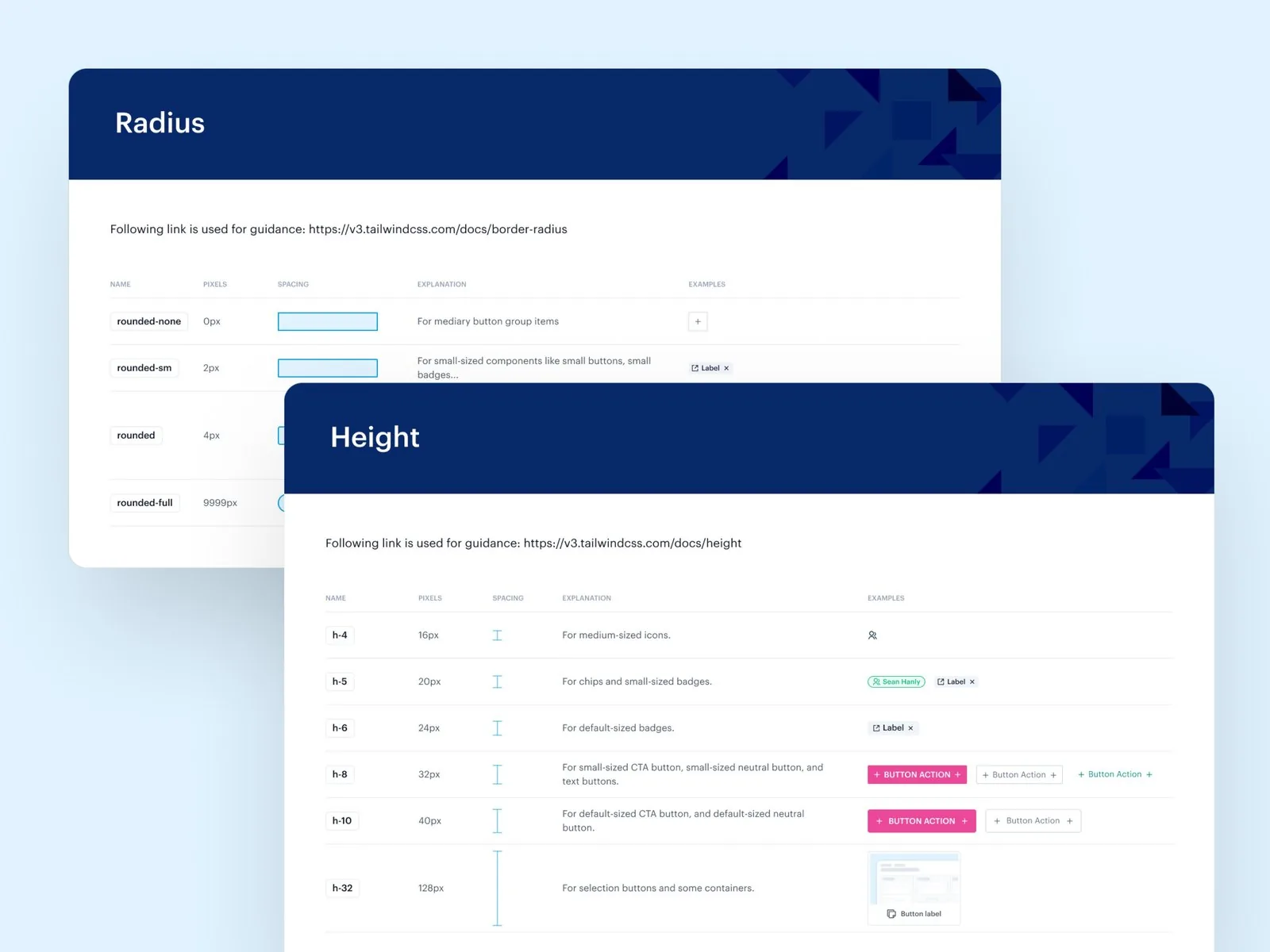
Ticketsolve design system documentation for radius and height tokens

Case studyDesign system · 2023

Accessibility rules in the system

For Ticketsolve, we introduced standards for spacing, typography, states and accessibility, so every future design stays aligned.

  • Rules for spacing, typography, colour and states
  • Accessibility considered in every component
  • Components that adapt across breakpoints
  • Guidelines for design and development handoff
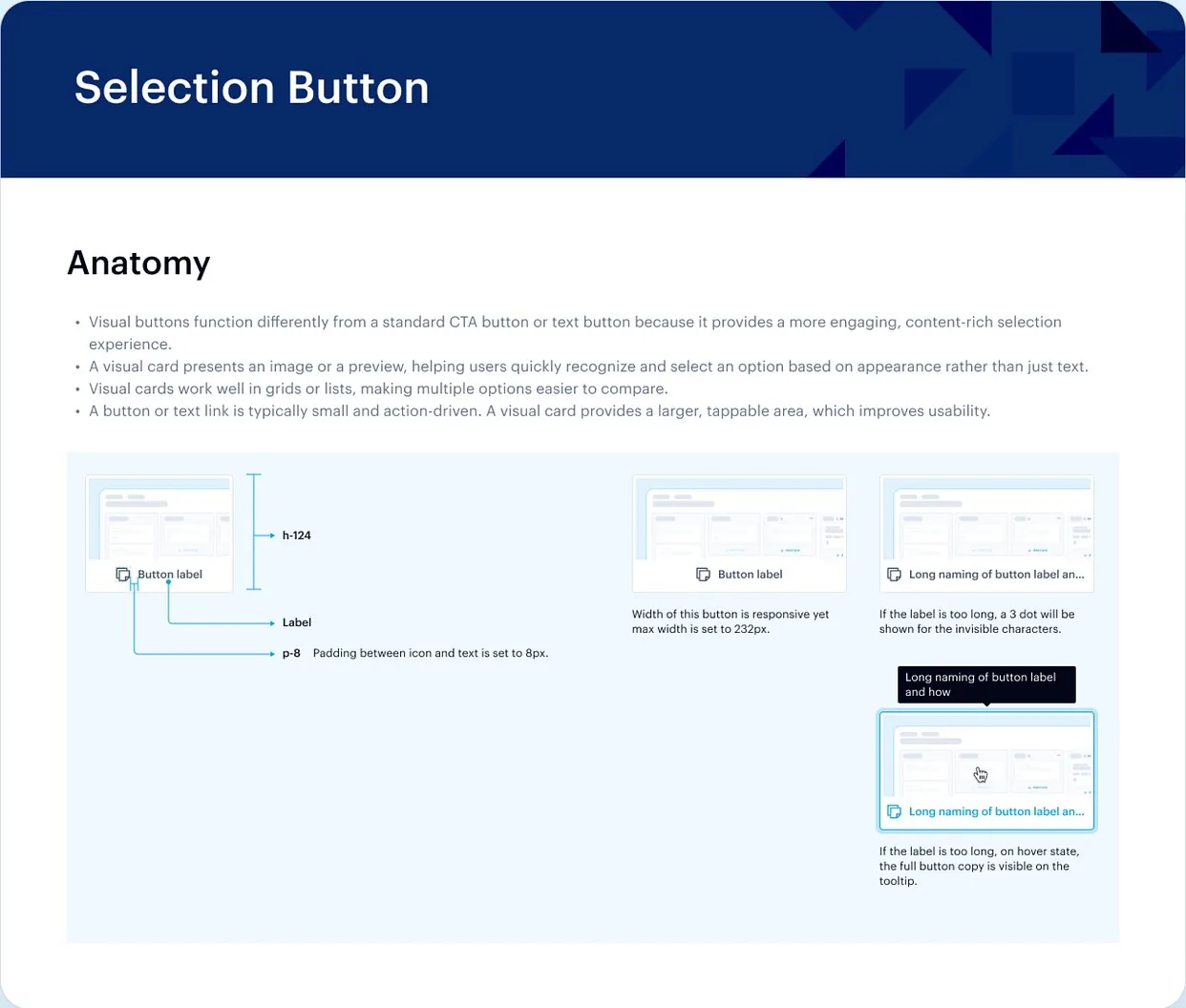
Read the case study

Proof

“Their process is thorough and detailed, and they cover every angle.”

Dean Levitt · Co-Founder, LiteSite
Upwork Job Success
100%
Regular clients
10+
Recognized by
Dribbble Select

Ways to start

2 ways to start

Design new work accessibly from the start, or review what you have.

  • # Design

    Design it accessibly

    Accessibility built into new flows and components from the first draft.

    • Accessible components and states
    • Contrast and type checks
    • Focus and keyboard specs
    • Dev-ready handoff in Figma
  • # Review

    Accessibility review

    A review of your product against WCAG, with clear priorities.

    • Review of key journeys
    • Findings mapped to WCAG
    • Prioritized fixes
    • Redesign suggestions for top issues

FAQ

Questions founders ask

Book a call

See all questions

01Is this a formal WCAG certification?

No. We review the design against WCAG and prioritize fixes. Formal audits and legal compliance need specialist testing on the built product.

02How long does a project take?

It depends on the scope. Once we’ve seen the full picture, we’ll share a rough timeline.

03Which WCAG level do you design for?

Usually WCAG 2.2 AA, unless your product needs a different target.

04Can you review the built product?

Yes. We can review your live product as well as designs in Figma.

05Will accessible design limit the look?

No. Good contrast, clear focus and readable type tend to make products clearer for everyone.

Related capabilities

Explore all capabilities

Design systems

Components, tokens and docs that keep design and code in sync.

Complete states

Empty, loading, error and success states, designed before they ship.

Interaction design

Hover, press and transition states that show people what just happened.

UX audits

Usability issues in your product, turned into clear priorities.

Show us the screen you’re not sure about.

A rough idea is a fine place to start. We’ll get back to you within 24 hours.

Book a call