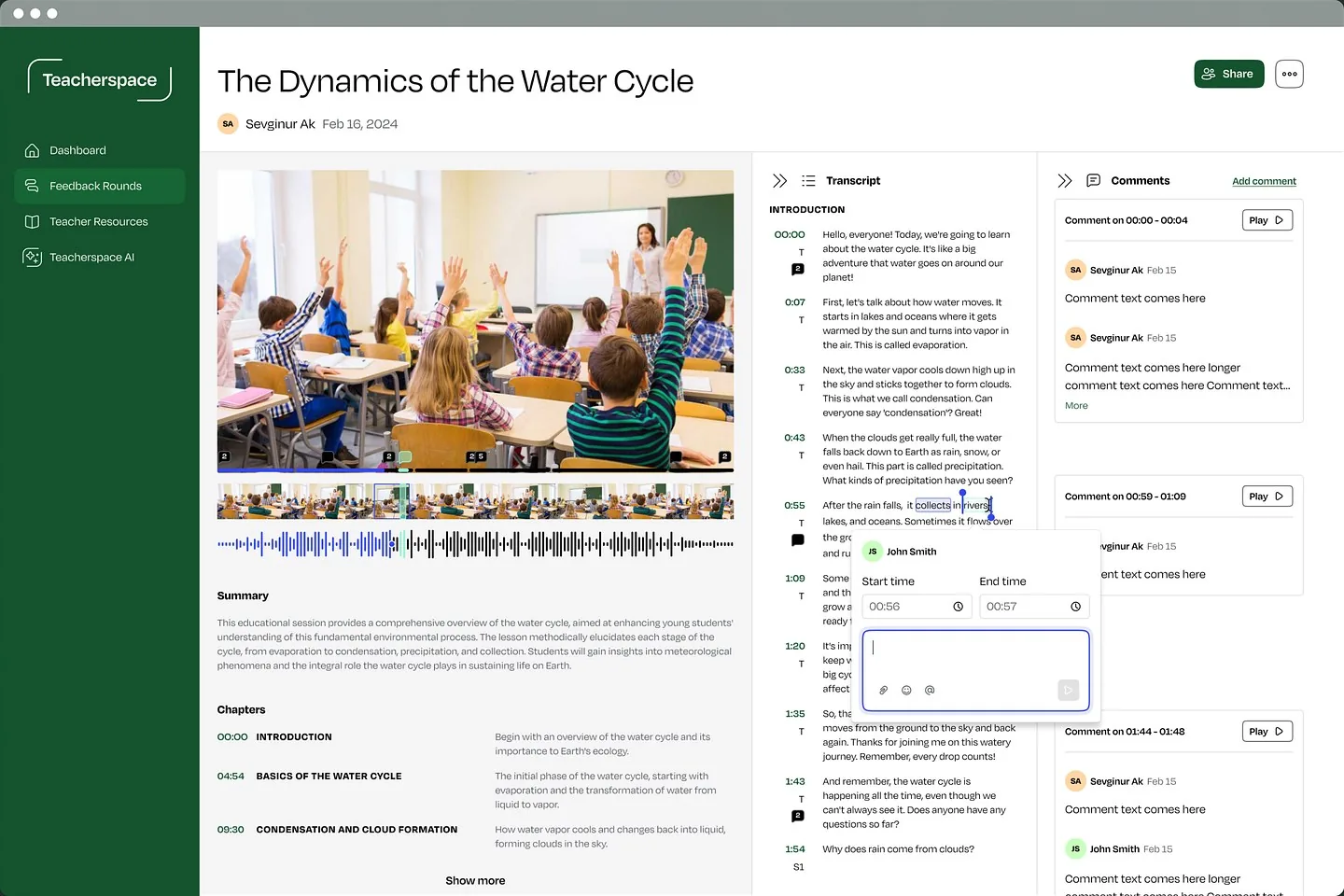
# Teacherspace / Feature review
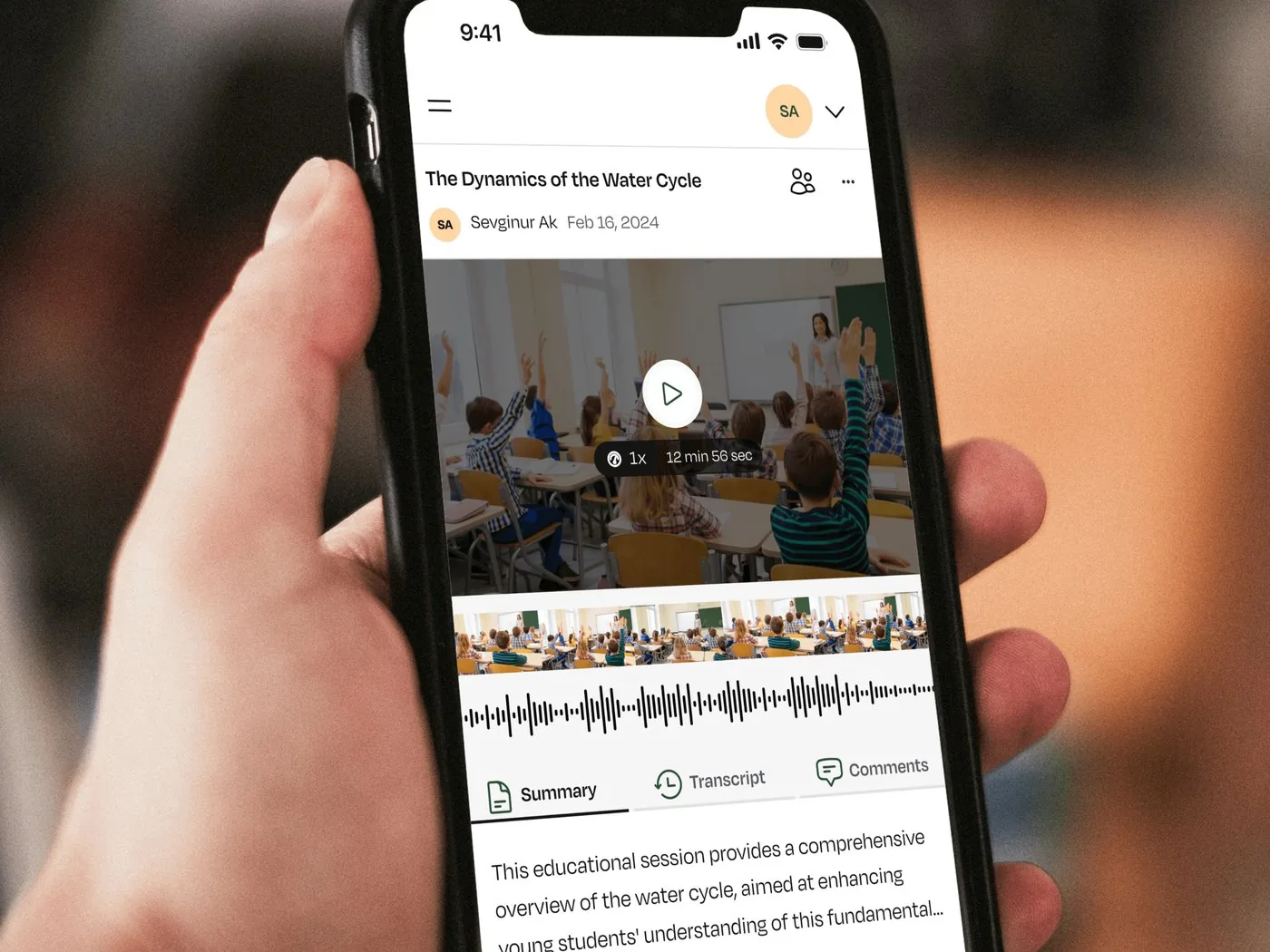
ClientUX audit
A large new feature, reviewed before build
We ran a thorough UX audit of a large new feature and turned the findings into detailed Linear tasks to guide implementation.
See all clientsThe work
Every audit looks at the moments that decide whether people succeed or give up.
The problem
If 2 or more of these ring true, an audit will show you where to start.
{{ countLabel }}
Selected work
Client work
# Teacherspace / Feature review
ClientUX audit
We ran a thorough UX audit of a large new feature and turned the findings into detailed Linear tasks to guide implementation.
See all clients# Revisual / Web app
ClientWeb app
We designed Revisual’s web platform and website, helping organisations turn Google Calendar events into branded, shareable calendars.
See all clientsProof
“She and her team also helped us review a large new feature, running a thorough UX audit and creating detailed Linear tasks to guide implementation.”
Ways to start
Start with an audit, or carry the findings into redesigned screens.
# Audit + redesign
Turn the most important findings into redesigned, build-ready screens.
# Audit only
A clear, prioritized list of what to fix and why.
A prioritized list of findings with severity ratings, quick wins and wireframe suggestions, in a format your team can turn into tasks.
It depends on the scope. Once we’ve seen the full picture, we’ll share a rough timeline.
Yes. We can review a single feature or journey before it ships, or the whole product.
It helps. We review whatever data you have, but an expert review is useful on its own.
Yes. We can write findings as tasks in tools like Linear, ready for your team.